
Have you ever opened your analytics dashboard and discovered that Website Traffic Dropped Suddenly overnight? A sudden drop in website traffic can be stressful, particularly when organic search traffic is responsible for leads, sales, inquiries, or advertising revenue. Your first instinct may be to start changing pages, modifying redirects, rebuilding campaigns, or making major SEO decisions.
However, acting too quickly can create additional problems.
When Website Traffic Dropped Suddenly, the decline may not necessarily mean that your website has lost rankings or authority. Analytics tracking can fail. Search demand can change. A Google algorithm update can alter rankings. A technical error can prevent search engines from crawling important pages. A seasonal trend can create a temporary decline that would have recovered naturally.
The most effective approach is therefore to diagnose the problem before attempting a solution.
This comprehensive listicle covers 12 common reasons Website Traffic Dropped Suddenly, along with practical steps you can take to identify the cause, evaluate the severity, and recover lost visibility.
Whether you manage an ecommerce store, service business, publishing website, SaaS company, or local business, the diagnostic process is similar: verify the data, identify where the decline occurred, determine what changed, and then fix the confirmed problem.
If you are wondering why website traffic dropped suddenly, the answer usually becomes clearer once you separate tracking issues from genuine changes in search visibility.
Key Takeaways
- Verify your analytics before assuming visitors actually disappeared.
- Compare current performance with previous periods and year-over-year data.
- Determine which traffic channels, pages, devices, and locations were affected.
- Check Google Search Console for indexing and ranking changes.
- Review robots.txt, noindex directives, redirects, canonicals, and server errors.
- Investigate recent website migrations, redesigns, and content changes.
- Compare your content with competitors that gained visibility.
- Consider seasonality and changes in overall search demand.
- Check referral, social, email, and paid traffic separately.
- Measure conversions and revenue instead of relying only on visitor volume.
- Create monitoring systems so future declines are detected quickly.
Fix Your Traffic Drop Before It Gets Worse
Don’t let a sudden traffic decline cost you leads and sales. Diagnose the real problem, fix critical issues, and restore your website’s growth today.
1. Your Analytics Tracking Stopped Working
One of the first things to investigate when website traffic dropped suddenly is whether the reported decline is real.
Analytics platforms depend on tracking tags, scripts, consent settings, configuration files, and data-processing systems. A small technical change can prevent sessions from being recorded correctly, creating the appearance of a traffic collapse even though visitors are still reaching your website.
This is especially common after website traffic dropped suddenly following a website redesign, CMS update, theme change, tag-manager modification, consent-banner implementation, or migration to a new analytics property. Before taking action because website traffic dropped suddenly, confirm that your analytics data accurately represents what is happening on the website.
Check whether tracking codes are still working
Start by inspecting your most important pages and confirming that your analytics tracking code is present and firing correctly.
Check:
- Homepage tracking
- Landing pages
- Product pages
- Blog posts
- Contact pages
- Checkout pages
- Mobile pages
- Conversion events
If tracking disappeared immediately after a website release, the deployment itself could be responsible.
Compare analytics with independent data
Do not rely on a single reporting platform.
Compare your analytics data with Google Search Console, advertising platforms, CRM leads, ecommerce transactions, and server logs when available.
For example, if Google Analytics reports a 50% traffic decline but Search Console clicks remain stable, the issue may be measurement-related rather than a genuine search visibility problem.
Likewise, if website sessions decline but sales and leads remain unchanged, investigate attribution and tracking before making SEO changes.
Review consent and privacy settings
Changes to cookie consent systems can affect how much visitor data is recorded. A new consent configuration may prevent analytics events from firing for users who do not accept tracking.
Therefore, before concluding that Website Traffic Dropped Suddenly because of an SEO problem, verify that your measurement system is collecting data consistently.
2. Seasonal Demand Caused a Normal Traffic Decline
When website traffic dropped suddenly during a predictable seasonal period, comparing year-over-year data can reveal whether the decline is actually unusual. Another reason for a sudden drop in website traffic may be that your audience simply searches less during a particular period.
Traffic is rarely perfectly consistent. Most industries experience predictable fluctuations based on holidays, weekends, weather, school schedules, purchasing cycles, events, and seasonal consumer behavior.
A website selling winter products, for example, should not expect the same search demand in July as in December. Similarly, business-to-business websites may see lower engagement during holiday periods.
Compare year-over-year performance
Instead of comparing only yesterday with today, compare the same period from the previous year.
Review:
- Organic clicks
- Search impressions
- Sessions
- Users
- Conversions
- Revenue
- Branded searches
- Non-branded searches
If website traffic dropped suddenly during the same period last year, there may be no major SEO problem at all.
Look for recurring patterns
Create a historical traffic chart and identify recurring peaks and valleys.
You may discover that traffic declines every:
- December holiday period
- Summer vacation
- Weekend
- Beginning of a school term
- End of a financial quarter
- Industry-specific off-season
Understanding these patterns prevents you from making unnecessary technical or content changes.
Check broader search demand
Google Trends and Search Console can help you determine whether people are searching less for your topics.
If website traffic dropped suddenly and impressions have fallen across your entire industry, your website may not be the cause.
Before changing successful content, determine whether the market itself has changed.
3. A Google Algorithm Update Changed Your Rankings
If Website Traffic Dropped Suddenly around the time of a significant Google search update, investigate your organic rankings carefully.
Google continuously improves its search systems. Algorithm updates can change which pages appear for particular queries, how results are evaluated, and which content formats receive visibility.
A ranking decline does not automatically mean that your website received a penalty. Your competitors may have become more relevant, or Google’s interpretation of search intent may have changed.
Check ranking changes
Compare keyword positions before and after the suspected update.
Look for patterns such as:
- One keyword category declining
- Several related pages losing rankings
- A complete content directory losing visibility
- Informational keywords declining while commercial keywords remain stable
- Mobile rankings changing more than desktop rankings
The pattern is often more useful than the overall traffic number.
Examine the current search results
Search the keywords that lost the most clicks.
Study the pages currently ranking and ask:
- Are they more comprehensive?
- Are they more recent?
- Do they provide original research?
- Do they answer the searcher’s question faster?
- Are they better aligned with search intent?
- Do they provide stronger first-hand experience?
This analysis can show whether your rankings declined because your content became less competitive.
Check for manual actions separately
Algorithmic ranking changes and manual actions are different issues.
If website traffic dropped suddenly and you suspect a policy violation, review the relevant reports in Google Search Console. Do not assume every ranking decline represents a manual penalty.
The correct diagnosis determines the appropriate recovery strategy.
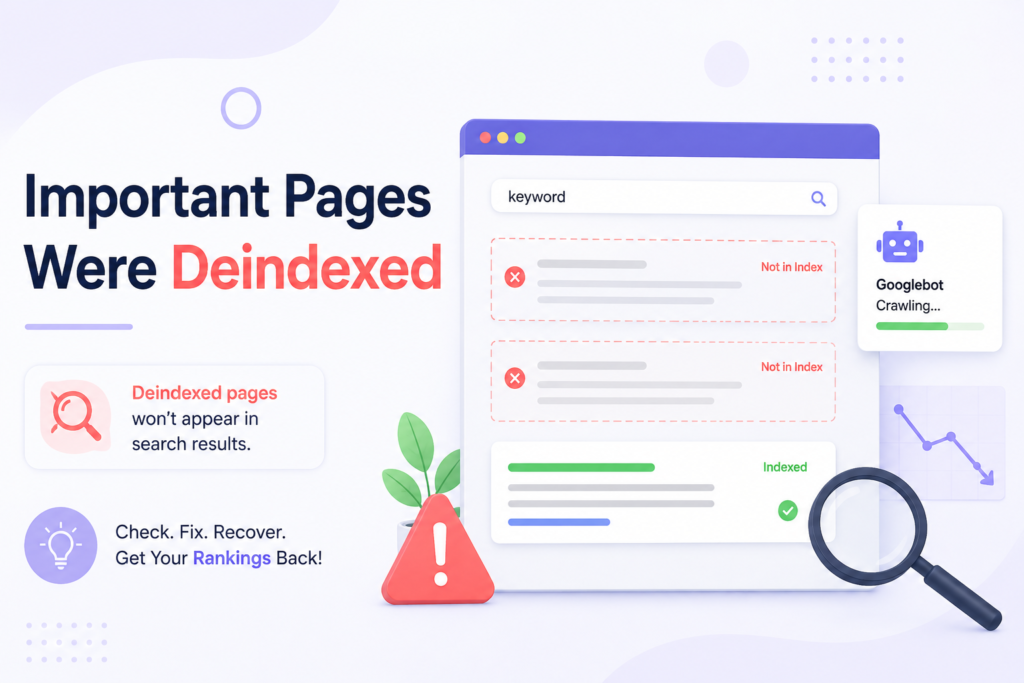
4. Important Pages Were Deindexed
When Website Traffic Dropped Suddenly, one of the most important questions is whether your high-performing pages are still indexed.
When website traffic dropped suddenly, a page cannot generate organic search traffic if search engines cannot properly access or index it.
Indexing problems can happen after migrations, CMS updates, plugin changes, redesigns, URL restructuring, or accidental configuration changes.
Inspect affected URLs
Use Google Search Console’s URL Inspection functionality to investigate pages that previously generated substantial traffic.
Check whether the page is:
- Indexed
- Crawlable
- Canonicalized correctly
- Redirected
- Blocked
- Marked noindex
- Returning an error
- Available to Googlebot
Do this for several pages rather than checking only one URL.
If many high-value pages show the same issue, investigate sitewide configuration.
Review robots.txt
A robots.txt file can restrict crawler access to particular paths.
An accidental rule can affect an entire directory.
For example, a development change intended to block staging content could accidentally be deployed to the production website.
Always review robots.txt after a major website deployment.
Check noindex directives
A noindex directive tells search engines not to include a page in their search results.
This can be useful when intentionally applied, but disastrous when accidentally added to important content.
Check page templates, CMS settings, SEO plugins, and development environments for unexpected noindex instructions.
5. Technical SEO Problems Reduced Your Visibility
Technical problems are another common explanation for why website traffic dropped suddenly.
Search engines need to crawl, render, understand, and index your pages. Problems at any stage can reduce organic visibility.
Look for server errors
Review your server and monitoring data for:
- 4xx errors
- 5xx errors
- Timeouts
- Hosting outages
- DNS problems
- Database failures
- Excessive server response times
Repeated server errors can prevent both users and search engines from accessing important content.
Check redirects
Redirects are essential when URLs change, but incorrect implementation can create serious problems.
Look for:
- Redirect chains
- Redirect loops
- Irrelevant redirects
- Broken redirects
- HTTP-to-HTTPS problems
- Incorrect migration mappings
When a page moves, the redirect should generally point users and search engines toward the most relevant replacement page.
Review canonical tags
Canonical tags help search engines understand which URL represents the preferred version of similar content.
Incorrect canonicalization can cause the wrong URL to be treated as the primary version.
For large websites, a template-level canonical error can affect thousands of pages.
Technical SEO priority table
| Technical Issue | Primary Impact | Priority |
|---|---|---|
| Robots.txt/noindex | Crawl or indexing blockage | Critical |
| Server outages | Website availability | Critical |
| Incorrect redirects | Lost URL equity | High |
| Canonical conflicts | Ranking dilution | High |
| Broken internal links | Poor crawling | Medium |
| Rendering problems | Content visibility | High |
| Core Web Vitals issues | User experience | Medium |
Technical audits should therefore be performed before making large-scale content changes.
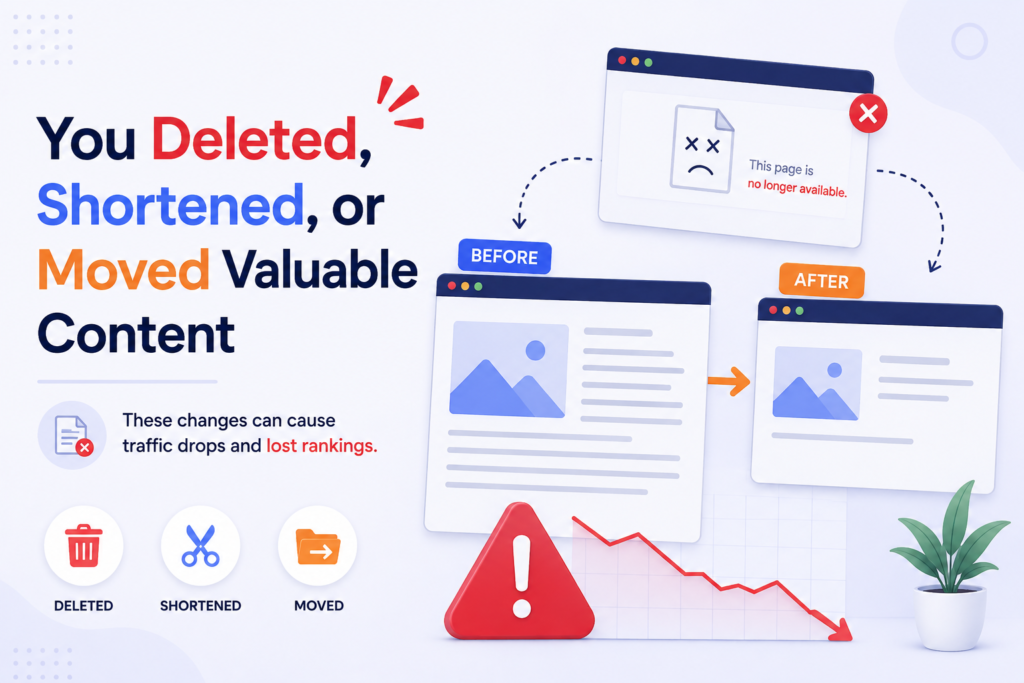
6. You Deleted, Shortened, or Moved Valuable Content
If Website Traffic Dropped Suddenly after a redesign, content audit, or migration, review every major content change made immediately before the decline.
Removing content can remove the rankings, backlinks, traffic, and historical relevance associated with that URL.
This does not mean old content should never be deleted. It means deletion should be based on evidence and accompanied by an appropriate replacement strategy.
Review recently changed pages
Identify pages that were:
- Deleted
- Shortened
- Consolidated
- Rewritten
- Moved
- Renamed
- Redirected
- Changed from indexable to non-indexable
Then compare their previous organic performance with their current performance.
Preserve useful information
When updating an article, do not remove valuable sections simply to make it shorter.
Important examples, statistics, explanations, definitions, supporting evidence, and internal links may contribute to a page’s usefulness.
If two pages are consolidated, preserve the strongest information from both whenever appropriate.
Implement redirects correctly
If an old URL has valuable backlinks and search visibility, redirect it to the most relevant replacement.
Avoid sending every deleted page to the homepage. A redirect should make sense to users and search engines.
7. Your Content No Longer Matches Search Intent
Sometimes Website Traffic Dropped Suddenly because searchers now expect a different type of result.
Search intent is not fixed forever. Users’ expectations change, industries evolve, and search engines can become better at interpreting queries.
A page that ranked well several years ago may gradually become less relevant.
Identify the current search intent
Search your target keywords and examine the results.
Determine whether users now want:
- Tutorials
- Product comparisons
- Definitions
- Reviews
- Service pages
- Case studies
- Original research
- Videos
- Tools
- Step-by-step instructions
If your page provides a long theoretical explanation while searchers want a practical solution, your content may no longer satisfy the query.
Refresh content based on user needs
A strong content refresh should consider:
- Current information
- Updated examples
- Better explanations
- Searcher questions
- Original insights
- Expert experience
- Relevant statistics
- Improved structure
- Stronger internal linking
The goal is not simply to increase word count.
The goal is to make the page more useful.
Avoid blindly copying competitors
Review ranking pages to understand what searchers value, but do not reproduce competitors’ content.
Instead, identify gaps and provide information that is more useful, clearer, more accurate, or more original.
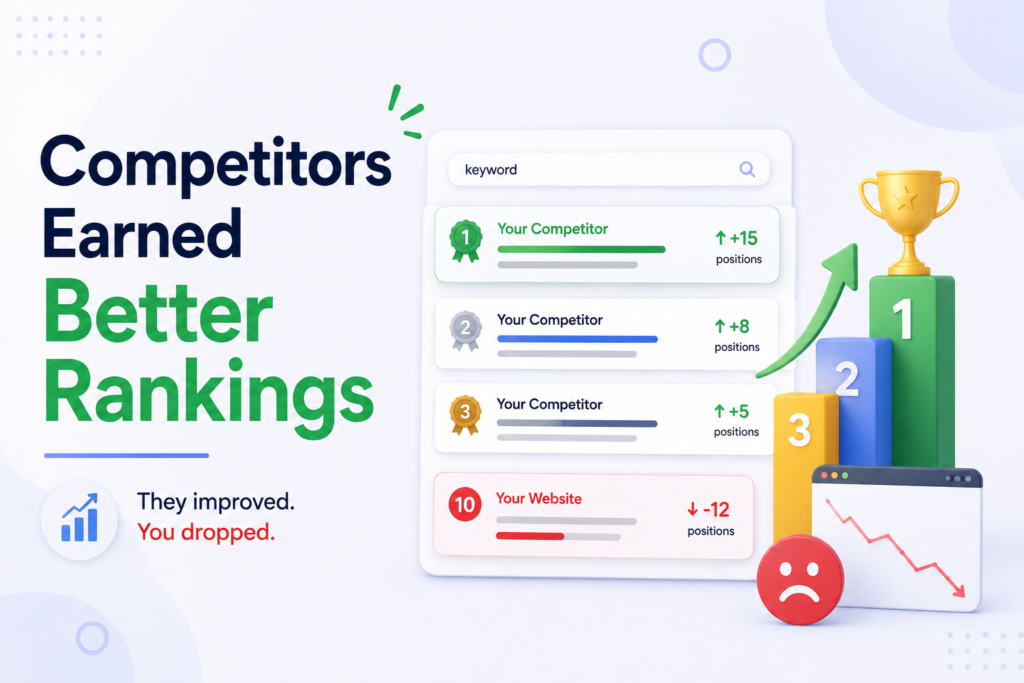
8. Competitors Earned Better Rankings
Another possibility is that your website traffic suddenly dropped because competitors improved their search visibility.
SEO is relative. Your website can remain technically healthy while losing traffic because another website becomes more relevant or authoritative.
A competitor may have published new content, improved an existing resource, earned high-quality links, or developed stronger expertise in your subject area.
Compare your pages with ranking competitors
Select the keywords with the largest traffic declines and compare your page against the current top-ranking pages.
Evaluate:
| Factor | Questions to Ask |
|---|---|
| Relevance | Does the page answer the exact query? |
| Depth | Does it cover important subtopics? |
| Accuracy | Is the information current? |
| Experience | Does it demonstrate first-hand knowledge? |
| Authority | Does the website demonstrate expertise? |
| Usability | Is the page easy to navigate? |
| Internal links | Does it connect to useful supporting content? |
| Originality | Does it provide something competitors lack? |
Build a stronger resource
Do not focus only on adding more words.
Improve the page’s usefulness through:
- Original examples
- Expert commentary
- Case studies
- Unique data
- Clear explanations
- Better formatting
- Practical instructions
- Helpful visuals
- Relevant internal links
Competitive analysis should guide improvement rather than encourage duplication.
9. A Referral, Social, or Paid Channel Stopped Sending Visitors
When website traffic dropped suddenly, many website owners immediately blame organic search.
However, when website traffic dropped suddenly, traffic can decline because another channel stopped delivering visitors.
Your website may depend on referrals from publishers, social platforms, industry directories, affiliates, email campaigns, partnerships, or paid advertising.
Recover Lost Traffic With a Smarter Strategy
Turn traffic losses into actionable insights with a structured recovery process. Identify technical, SEO, content, and channel problems before they become expensive setbacks.
Segment your traffic
Separate your data into:
- Organic search
- Direct
- Referral
- Social
- Paid search
- Display
- Affiliate
- Other campaigns
This helps identify whether the decline is isolated or widespread.
Investigate referral changes
A major referral source may have:
- Removed your link
- Changed its content
- Lost its own traffic
- Changed its algorithm
- Closed a partnership
- Modified its referral strategy
If only referral traffic declined, an SEO overhaul may not solve the problem.
Check paid campaigns
Review advertising budgets, campaign schedules, bidding strategies, targeting, and attribution.
A campaign ending can cause an immediate traffic decline without any change to your website’s organic performance.
Always confirm whether paid traffic has been reduced before interpreting an overall traffic decline as an SEO issue.
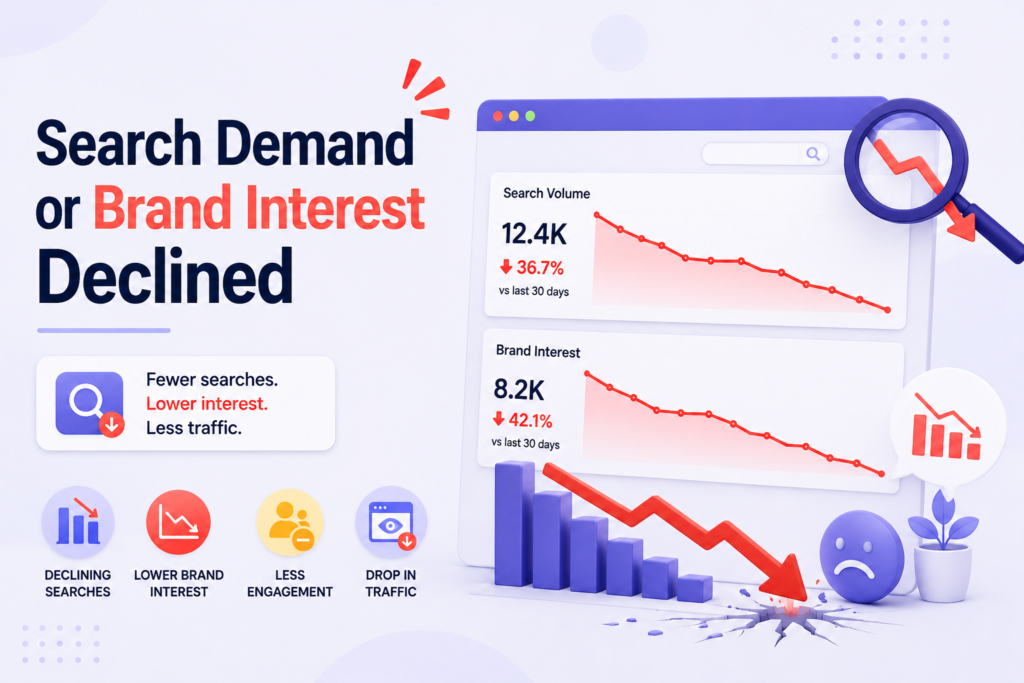
10. Search Demand or Brand Interest Declined
Sometimes Website Traffic Dropped Suddenly because fewer people are searching for your products, services, or topics.
This situation is different from losing rankings.
Imagine that your website previously received 1,000 impressions for a keyword every day. If overall search demand falls significantly, your website might receive fewer impressions even if its ranking position remains unchanged.
Check impressions and search volume
Google Search Console can help you determine whether search impressions changed.
If clicks and impressions decline together, investigate whether overall demand has fallen.
If impressions remain stable but clicks decline, investigate rankings and click-through rate.
If impressions rise but conversions fall, the issue may involve traffic quality, search intent, or the landing-page experience.
Watch market trends
External forces can change search demand:
- New technologies
- Consumer preferences
- Economic changes
- Competitor launches
- Seasonal events
- Regulatory changes
- Product discontinuations
- Public interest shifts
Understanding these factors helps you avoid blaming your website for changes happening in the broader market.
11. Traffic Quality or Conversions Declined
If, website traffic dropped suddenly, do not judge the situation only by looking at sessions.
When website traffic dropped suddenly, traffic volume is important, but business performance is often determined by what visitors do after arriving.
A website could lose 20% of its traffic while maintaining revenue if the remaining visitors have stronger purchase intent.
The opposite can also happen: traffic may remain stable while conversions collapse.
Monitor business outcomes
Track:
| Metric | What It Shows |
|---|---|
| Sessions | Overall traffic volume |
| Users | Number of visitors |
| Search clicks | Organic visits from search |
| Impressions | Search visibility |
| Conversion rate | Percentage of visitors completing goals |
| Leads | Business inquiries generated |
| Revenue | Financial outcome |
| Engagement | Visitor interaction |
| Landing-page performance | Effectiveness of entry pages |
Examine traffic quality
If visitors arrive from irrelevant keywords, low-quality referrals, or poorly targeted campaigns, total traffic may look healthy while business results deteriorate.
Review your landing pages and conversion funnels.
Ask:
- Are visitors finding what they expected?
- Are important forms working?
- Is checkout functioning?
- Are calls-to-action visible?
- Are mobile visitors converting?
- Are leads still qualified?
Traffic should always be evaluated in relation to business objectives.
12. You Did Not Have Monitoring Systems in Place
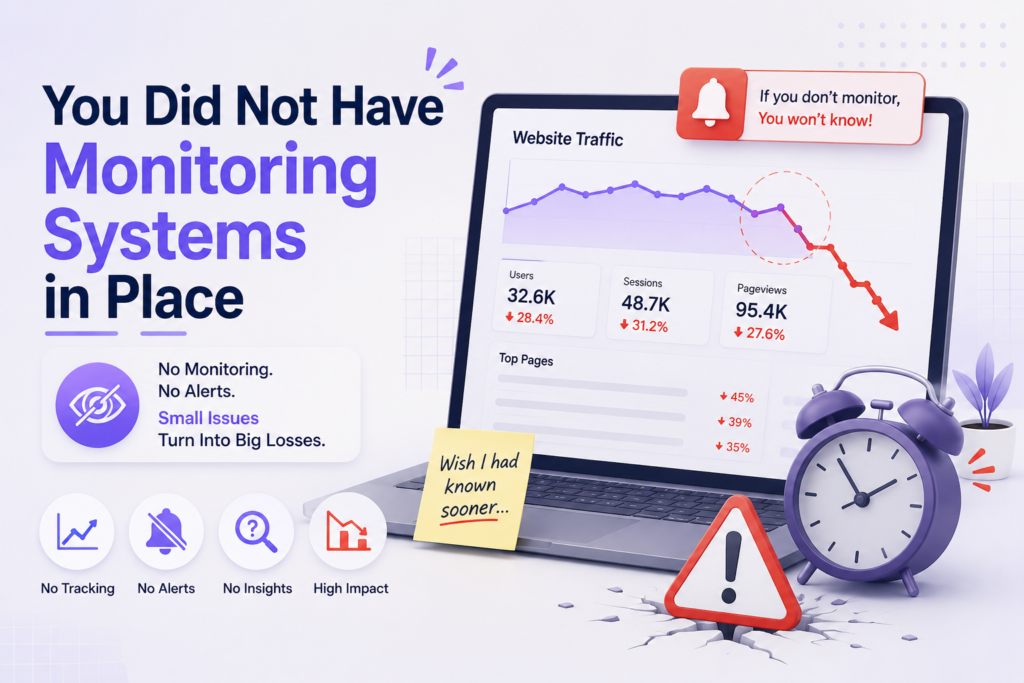
The final reason Website Traffic Dropped Suddenly can be difficult to identify is a lack of regular monitoring.
When website traffic dropped suddenly, without historical data, annotations, and dashboards, it is difficult to determine when a decline started or what changed immediately beforehand.
Build a performance dashboard
Your dashboard should monitor:
- Organic clicks
- Search impressions
- Keyword rankings
- Organic sessions
- Landing-page traffic
- Conversions
- Revenue
- Indexing issues
- Server uptime
- Technical errors
When website traffic dropped suddenly, review the dashboard regularly rather than waiting for a major decline to become obvious.
Set automated alerts
Create alerts for unusually large changes in:
- Organic traffic
- Search clicks
- Search impressions
- Conversion rate
- Revenue
- Indexing
- Server availability
- Important keyword rankings
Early detection gives your team more time to investigate.
Record important website changes
Maintain a timeline containing:
- Website migrations
- Redesigns
- Algorithm updates
- Content launches
- Content deletions
- Redirect changes
- Tracking changes
- Campaign launches
- Campaign cancellations
- Major technical releases
When Website Traffic Dropped Suddenly, this timeline can help you connect the decline with a specific event.
What to Do When Website Traffic Dropped Suddenly
After identifying a potential cause, avoid making several major changes at the same time.
A structured troubleshooting process makes it easier to determine which action actually improved performance.
Step 1: Verify the data
Confirm the decline across multiple systems.
Check Google Analytics, Google Search Console, advertising platforms, CRM records, ecommerce data, and server information where available.
If only one system shows the decline, investigate tracking first.
Step 2: Identify the affected channel
Determine whether the problem involves:
- Organic
- Paid
- Referral
- Social
- Direct
- Affiliate
This immediately narrows your investigation.
Step 3: Identify affected pages
Find the pages responsible for the largest decline.
Then segment those pages by:
- Directory
- Device
- Country
- Search query
- Landing page
- Traffic source
A decline affecting only one directory requires a different response from a sitewide decline.
Step 4: Check technical SEO
Review:
- Indexing
- Robots.txt
- Noindex directives
- Canonicals
- Redirects
- Server responses
- Internal links
- Mobile usability
- Rendering
- Page performance
Fix critical technical problems before rewriting large amounts of content.
Step 5: Investigate rankings
Compare current keyword rankings with previous periods.
Identify whether the decline is caused by:
- Ranking losses
- Lower search demand
- Reduced click-through rate
- Search-result changes
- Competitor gains
Step 6: Review content
Examine affected pages for outdated information, missing topics, weak search-intent alignment, duplicate content, or unnecessary changes.
Improve the content based on actual searcher needs.
Step 7: Investigate external factors
Check:
- Google updates
- Seasonal demand
- Referral changes
- Social changes
- Paid campaigns
- Competitor promotions
- Market trends
Do not assume every traffic decline originates on your website.
Step 8: Fix one major issue at a time
When possible, prioritize the most likely cause and monitor the outcome.
Changing dozens of variables simultaneously makes diagnosis difficult because you will not know which change produced the result.
Quick Diagnostic Checklist
If Website Traffic Dropped Suddenly, use this checklist before making major changes:
- Is analytics tracking working correctly?
- Does Google Search Console show the same decline?
- Did search impressions decline?
- Which traffic channel was affected?
- Which landing pages lost the most traffic?
- Which keywords lost clicks?
- Did rankings change?
- Was there a recent Google algorithm update?
- Are important URLs still indexed?
- Did robots.txt change?
- Were noindex tags added accidentally?
- Are important pages returning server errors?
- Were redirects changed?
- Are canonical tags correct?
- Were pages deleted or consolidated?
- Was content shortened or substantially rewritten?
- Does the content still satisfy current search intent?
- Did competitors gain rankings?
- Did referral traffic decline?
- Did social traffic decline?
- Did paid campaigns end or change?
- Has overall search demand decreased?
- Are conversions also declining?
- Are leads or revenue affected?
- Are monitoring alerts configured?
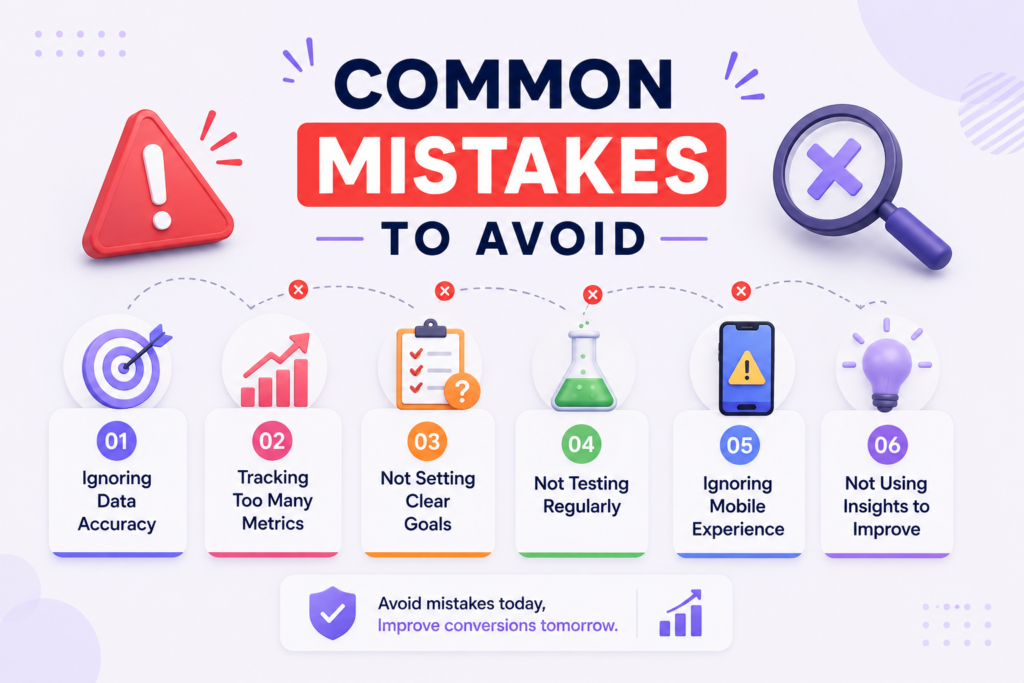
Common Mistakes to Avoid
When Website Traffic Dropped Suddenly, panic can lead to decisions that create more problems than they solve.
1. Do not immediately redesign your website
A traffic decline does not automatically mean your website needs a redesign.
First determine whether the problem is tracking, indexing, rankings, content, demand, or another channel.
2. Do not delete large amounts of content without evidence
Content pruning can be useful, but deleting pages without analyzing their traffic, backlinks, rankings, and purpose can remove valuable search assets.
3. Do not change every URL at once
Large URL changes can introduce redirect and indexing problems.
If a URL structure is already performing well, avoid changing it simply because traffic declined.
4. Do not assume an algorithm update means a penalty
Ranking changes can happen for many reasons.
An update may change how relevance is assessed without your website receiving a manual penalty.
5. Do not focus exclusively on traffic
Sessions are only one part of website performance.
Review conversions, revenue, leads, engagement, rankings, impressions, and customer quality to understand the true business impact.
A Practical Recovery Framework
If your website traffic suddenly dropped, use a simple three-stage framework: diagnose, repair, and monitor.
Stage 1: Diagnose
Start with the data.
Determine:
- When the decline began.
- How large the decline is.
- Which channels are affected.
- Which pages are affected.
- Which keywords changed.
- Whether impressions also changed.
- Whether technical problems appeared.
- Whether an external event occurred.
This stage should produce a specific hypothesis rather than a general assumption.
Stage 2: Repair
Once you identify the likely cause, prioritize the highest-impact fixes.
For technical issues, repair indexing, redirects, server errors, crawlability, and canonical problems.
For content problems, update outdated pages, improve search intent alignment, strengthen expertise, and add useful original information.
For channel problems, restore campaigns, partnerships, referrals, or tracking where appropriate.
Stage 3: Monitor
After making changes, track the affected metrics.
Do not expect every recovery to happen immediately. Search engines may need time to recrawl and reevaluate pages.
Continue monitoring:
- Clicks
- Impressions
- Rankings
- Sessions
- Conversions
- Revenue
- Indexing
- Technical health
Document every major change so future performance analysis becomes easier.
Ready to Turn Your Traffic Into Sustainable Growth?
Want to build stronger SEO, monitoring, and recovery systems? Take control of your website performance, protect your visibility, and create lasting growth with confidence.
Conclusion
When Website Traffic Dropped Suddenly, the decline can feel like a major SEO emergency, but the correct response is careful diagnosis rather than immediate action.
A sudden drop in website traffic can come from something as simple as a broken analytics tag or as complex as a significant change in search visibility. Other explanations include seasonal demand, indexing problems, server failures, content changes, competitor improvements, referral losses, paid campaign changes, and shifts in customer behavior.
The first priority is to verify whether the traffic loss is genuine. Compare analytics with Search Console and other available data sources. Then determine which channels, pages, devices, locations, and keywords experienced the decline.
Next, investigate technical SEO. Make sure important pages remain indexable, robots.txt rules are correct, noindex directives have not been added accidentally, redirects work properly, canonical tags point to the correct URLs, and your server remains available.
After technical checks, examine search performance and content quality. Compare your pages with current competitors and determine whether search intent has changed. Update content where necessary, but avoid making unnecessary sitewide changes.
Finally, establish monitoring systems that can identify problems earlier. Dashboards, alerts, annotations, regular technical audits, and consistent content reviews make future traffic declines easier to diagnose.
The key lesson is simple: Website Traffic Dropped Suddenly does not automatically mean your website is permanently damaged. It means something changed, and your job is to determine exactly what changed before deciding what to fix.
By following a structured 12-point investigation, you can separate measurement problems from genuine performance declines, address technical and content issues efficiently, and protect your website from avoidable traffic losses in the future.
FAQs
Why does website traffic suddenly decrease?
Website traffic dropped suddenly can happen for many reasons, including analytics tracking problems, Google algorithm updates, indexing issues, technical errors, seasonal demand, content changes, competitor activity, and reduced traffic from referral or paid channels.
How can I tell if my traffic drop is caused by Google?
If website traffic dropped suddenly, start by checking Google Search Console for changes in clicks, impressions, average position, and affected queries. Then compare the timing of the decline with known Google algorithm updates. If organic traffic and rankings declined around the same period, an algorithm change may be a contributing factor. However, you should also investigate technical problems, content changes, indexing issues, and competitor activity before concluding that an update caused the decline.
How do I check whether my website is still indexed by Google?
You can use Google Search Console’s URL Inspection tool to check individual pages. Enter important URLs and review their indexing status, crawl information, canonical URL, and any issues preventing Google from accessing or indexing the page. You can also search Google using a site-specific query to get a general indication of indexed pages, although Search Console provides more reliable diagnostic information for individual URLs.
Can a website redesign cause a loss of organic traffic?
Yes. If website traffic dropped suddenly, website redesigns can affect organic visibility when URLs are changed, redirects are implemented incorrectly, important content is removed, internal links are broken, canonical tags change, or pages accidentally become blocked from indexing. Before launching a redesign, create a URL mapping document, preserve important content, test redirects, verify technical SEO settings, and monitor organic performance after the launch.
How long does it take for lost SEO traffic to recover?
There is no universal recovery timeline. The timeframe depends on the cause of the decline and how quickly the underlying issue is corrected. A tracking problem can potentially be fixed immediately, while an indexing problem may require search engines to recrawl affected pages. Ranking and content-related recovery can take considerably longer because search engines need to reassess the updated pages and their relevance.
Should I delete pages that have lost traffic?
Not necessarily. A page that has lost traffic may still have valuable backlinks, historical rankings, internal links, conversions, or topical relevance. Before deleting it, determine why performance declined. The page may benefit from updated information, improved search-intent alignment, stronger internal linking, better examples, or consolidation with another relevant page. Delete or redirect content only when there is a clear strategic reason to do so.
Why did my Google Search Console clicks decrease while impressions stayed stable?
When impressions remain relatively stable but clicks decline, investigate your average position and click-through rate. Changes in search-result layouts, featured snippets, advertisements, AI-generated results, competitor titles, or changes in search intent can influence how many users click an organic result. Review the affected queries and compare your current search-result appearance with previous performance.
Can seasonality cause a major drop in organic traffic?
Yes. Search demand can vary significantly depending on the industry, audience, location, holidays, weather, school schedules, and purchasing cycles. A decline during a predictable low-demand period may not indicate an SEO problem. Compare the current period with the same period in previous years and examine search impressions to determine whether the reduction is specific to your website or part of a broader decline in demand.
What should I check first when organic traffic falls?
If website traffic dropped suddenly, start with the simplest and highest-impact checks. Verify analytics tracking, compare Google Search Console clicks and impressions, identify the affected pages and queries, check indexing status, review recent website changes, and look for server or technical errors. After these checks, investigate algorithm updates, search intent, competitors, seasonality, and external traffic sources. This approach helps prevent unnecessary changes based on assumptions.
How can I prevent another sudden traffic decline?
If website traffic dropped suddenly, set up regular monitoring for organic clicks, impressions, rankings, landing-page traffic, conversions, indexing problems, server availability, and important technical SEO metrics. Maintain a change log for website releases, migrations, content updates, redirects, and marketing campaigns. Automated alerts can also notify your team when traffic, rankings, or indexing metrics move beyond predetermined thresholds. Regular technical and content audits make it easier to identify problems before they become significant.
1 thought on “Website Traffic Dropped Suddenly? 12 Reasons Why and How to Recover It”